YouTube Brandcast 2026: What Every Creator Needs to Know
YouTube's Brandcast 2026 revealed creator shows, CTV commerce, and AI tools. Here's what the announcements actually mean for your channel strategy.
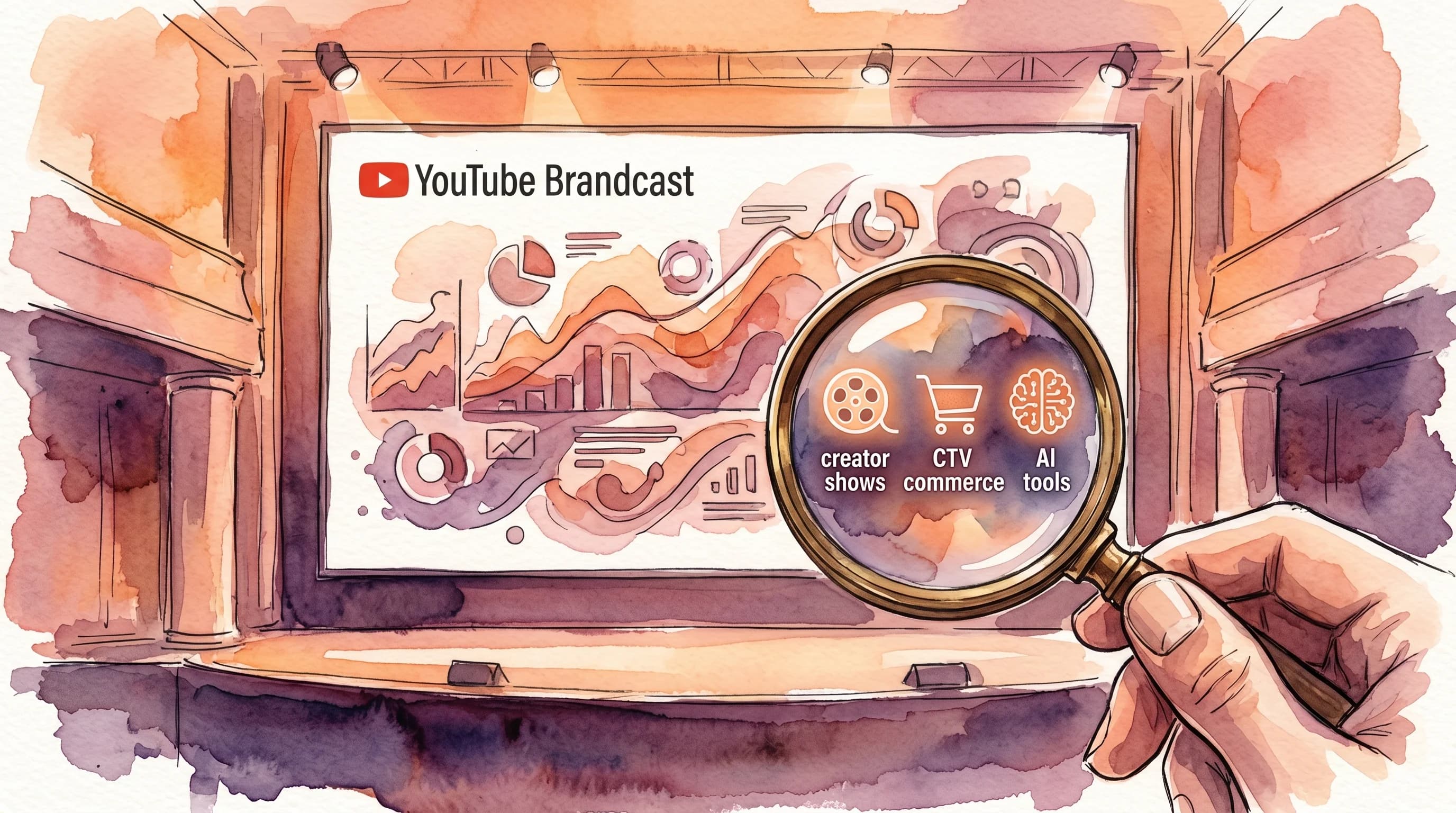
On May 13, YouTube held its annual Brandcast event at David Geffen Hall in New York City. Trevor Noah hosted. Chappell Roan performed. Advertisers wrote checks.
If you're a creator, you probably scrolled past the headlines. Brandcast is, after all, an upfront — a pitch to advertisers, not a creator conference. The announcements are wrapped in marketing language about "brand lift" and "purchase intent."
But buried inside those advertiser-focused slides are signals that will shape what independent creators can build, earn, and optimize over the next 12 months. I spent the week pulling apart every announcement, and here's what actually matters for your channel.
The Big Picture: YouTube Is Becoming a Commerce Platform
The clearest signal from Brandcast 2026 isn't any single feature. It's a strategic direction. YouTube is positioning itself as the place where discovery, content, and purchase happen in one session — especially on TV screens.
Three numbers tell the story:
- YouTube captured 12.7% of all U.S. TV viewing in January 2026, according to Nielsen's The Gauge. Netflix sits at 9.0%. That 3.7-point gap is the largest between any two consecutive platforms on Nielsen's individual chart.
- CTV ad conversions grew over 200% year-over-year in Q1 2026, per YouTube's own reporting at Brandcast. Advertisers aren't just watching YouTube on TV — they're buying through it.
- YouTube has paid creators over $100 billion in the last four years through the Partner Program, as confirmed by CEO Neal Mohan in his 2026 letter to creators. That's more than any other single platform.
This isn't a vanity metric dump. These numbers explain why every feature announced at Brandcast pushes toward the same thing: turning viewership into transactions, and giving creators a bigger role in that funnel.
Creator Shows: The New Tier of YouTube Content
The headline announcement was YouTube's first-ever slate of "Creator Shows" — originally produced series from established creators. The lineup includes:
- Trevor Noah's World Tour — a travel series where Noah visits cities to spotlight local people, food, and culture
- Unwell Games from Alex Cooper — a reality competition where creators and reality stars compete for prize money under one roof
- Keep the Meter Running from Kareem Rahma — a taxi-based interview show visiting drivers' favorite places
- Returning series from Dude Perfect, Jesser, and Quen Blackwell
What makes this different from YouTube Originals (the now-defunct program that produced Cobra Kai)? Two things.
First, these shows are built around creators, not Hollywood talent. YouTube is betting that a creator with 4 million subscribers can anchor a premium series the way a network star anchors a sitcom. The economics are different — creator audiences are already built and engaged.
Second, brands can sponsor these shows directly through a new feature called AI Custom Sponsorships. This system dynamically matches advertisers to creator content based on thematic relevance, not just demographics. If you make cooking content, a kitchenware brand can be matched to your specific show programmatically.
What this means for you
Most creators won't get a Creator Show. But the existence of this tier changes the incentive structure for everyone:
- YouTube is investing in long-form, episodic content — not just viral one-offs. If you've been building a series-based content strategy, the algorithm is likely to reward that pattern even more.
- The AI Custom Sponsorships system will eventually trickle down to smaller channels. Think of it as YouTube's version of automated brand deals — matching sponsors to creators without a manager in between.
- Thumbnails for series content need consistency. A viewer who enjoyed Episode 3 should instantly recognize Episode 4 in their feed. This is where building a thumbnail brand system becomes a real competitive advantage.
Buy with Google Pay: The TV Remote Becomes a Checkout Button
The feature that got the most applause in the room was Buy with Google Pay on connected TVs. Here's how it works: a viewer watches a creator's video on their TV, sees a product, and completes the purchase with two clicks on their remote using their stored Google Pay credentials.
No phone needed. No QR code to scan. No "link in bio."
YouTube also announced an Affiliate Partnerships Boost that lets brands amplify affiliate-linked creator content directly on the platform — essentially paying to push a creator's video to more viewers because it drives sales.
Combined with data partnerships that let marketers integrate shopper data from Costco and Dollar General, YouTube is building a closed-loop commerce system: watch a video, buy the product, measure the sale, all without leaving the platform.
What this means for you
If you create product-focused content — reviews, tutorials, unboxings, comparisons — the revenue potential just expanded significantly. But there's a design implication too.
Your thumbnail now needs to work on a 65-inch screen. According to Nielsen, YouTube accounts for 12.5% of all TV viewing. That number is growing. And Buy with Google Pay only works on CTV, which means YouTube has a financial incentive to push commerce-friendly content to TV screens.
This means:
- Text in thumbnails needs to be readable at both 160px wide (mobile suggested) and 1920px wide (TV full-screen). High-contrast, large type, minimal word count. Our guide on designing thumbnails for TV screens covers the technical requirements.
- Product placement in thumbnails becomes strategic. If a viewer can buy what they see, showing the product clearly in the thumbnail creates a direct connection between the click and the conversion.
- Cluttered thumbnails will underperform on TV. The viewing distance is 6-10 feet, not 12 inches. If your thumbnail relies on small text or intricate detail, it disappears on a living room screen.
Tools like Hooksnap can generate multiple thumbnail variants from a single video, making it practical to create versions optimized for different viewing contexts — including the increasingly important TV surface.
Collaboration Features: Five Creators, One Video
YouTube expanded its collaboration tools to allow up to five co-authors per video or Short. Each collaborator's channel name appears on the video, and each gets a separate Subscribe button.
This isn't new in concept — the previous version allowed two collaborators. But five changes the math. A video posted by five creators with 500K subscribers each gets exposed to 2.5 million subscribers across five home feeds.
What this means for you
Collaboration thumbnails need to solve a specific problem: representing multiple creators without turning into a cluttered mess.
The instinct is to squeeze five faces into one frame. That rarely works at thumbnail scale. Instead:
- Feature 2-3 faces maximum in the thumbnail, even if five creators are involved
- Use the title to name all collaborators — the metadata does the work that the visual can't
- Test different thumbnail variants — one featuring each subset of creators — using YouTube's Test & Compare feature to see which combination drives the most watch time
Collaboration content tends to have high CTR but variable retention (some audiences stay for their creator, then leave). Design your thumbnail to attract viewers who'll watch the full piece, not just fans of one participant. This is exactly the quality CTR principle in action.
AI Tools: What's Actually Useful vs. What's Marketing
Brandcast featured heavy AI messaging. The headline tools include:
- Multimodal Video Creation using Gemini, Veo, and Nano Banana — taking a creative brief to a finished video with prompts
- AI-powered instrumental track generation — replacing copyrighted audio in existing videos
- Ask Studio — a chatbot in YouTube Studio that provides analytics summaries and growth suggestions
- Reimagine — an AI editing feature for Shorts
The multimodal video creation and Nano Banana demos were primarily aimed at advertisers, not creators. These tools help brands produce YouTube ads faster, not help you make better content.
The creator-relevant tools are more modest but genuinely useful:
Instrumental track generation
If you've ever had a video demonetized for background music, this is a direct fix. The tool generates replacement tracks that match the mood of your original audio without copyright issues. It's available now in YouTube Studio desktop.
Ask Studio
Think of this as a natural-language interface over your analytics. Instead of navigating to the retention tab, filtering by date, and interpreting a graph, you can ask "Which of my videos had the best retention this month?" and get a direct answer.
The practical value depends on how well it handles follow-up questions. "Show me videos with above-average CTR but below-average retention" would be genuinely useful for identifying thumbnails that need redesigning.
Reimagine for Shorts
This AI editing tool lets you apply visual effects and transformations to Shorts after filming. Early reports suggest it's similar to photo editing filters but applied to video — useful for creators who don't have post-production skills, less useful for those who already edit.
The Watch-Time-Share Shift Is Accelerating
Nothing at Brandcast explicitly announced a new algorithm change. But the subtext of every feature — from Test & Compare using watch-time-share as its success metric, to CTV commerce requiring sustained viewing to drive purchases — reinforces the direction YouTube has been moving all year.
YouTube's algorithm in 2026 prioritizes watch-time-share over raw clicks. When you run an A/B test with Test & Compare, the winning thumbnail isn't the one with the highest CTR. It's the one that generates the most total watch time.
This has a specific implication for thumbnail design: accuracy matters more than attraction.
Research shows that clickbait thumbnails — high CTR paired with low retention — face algorithmic suppression when average view duration drops below 30%. The penalty is real: false emotion thumbnails can increase initial CTR by 40-60% but reduce channel-wide recommendation traffic by over 80% within weeks.
The practical framework:
- Design your thumbnail as a preview, not a trap. Show what the viewer will actually experience.
- Use Test & Compare to test accuracy, not just appeal. Upload three thumbnails that represent your video differently, and let watch-time-share tell you which representation is most honest.
- Track your CTR-to-retention ratio. A healthy ratio looks like 5-8% CTR with 40%+ average view duration. If your CTR is 12% but your AVD is 20%, your thumbnail is over-promising. Our diagnostic guide for low CTR walks through this analysis.
What Brandcast Didn't Announce (But Should Have)
A few gaps stood out:
No Shorts monetization improvements. Shorts RPM remains significantly lower than long-form RPM, and nothing announced at Brandcast changes that. If you're building a Shorts-first strategy, the economics haven't shifted in your favor yet.
No localized thumbnail automation. YouTube supports localized thumbnails — different images for different regions — but the feature remains manual. Given the AI investment, automated localized thumbnail testing feels like an obvious next step that wasn't mentioned.
No creator analytics API improvements. Ask Studio is helpful, but the underlying YouTube Analytics API hasn't been updated to expose satisfaction signals or watch-time-share data. Creators using third-party tools (or building their own dashboards) still can't access the metrics YouTube uses internally.
Your 30-Day Action Plan
Based on everything announced at Brandcast, here's what to prioritize over the next month:
Week 1: Audit your TV readability
Open your five most recent thumbnails on a large screen (or zoom out to simulate TV viewing distance). If you can't read the text from 8 feet away, your thumbnails need work. Focus on contrast, font size, and minimal word count.
Week 2: Set up your commerce foundation
If you create product-related content, ensure your YouTube Shopping integration is active and your affiliate links are properly tagged. The Affiliate Partnerships Boost will favor creators who already have this infrastructure in place.
Week 3: Run a Test & Compare experiment
Upload three thumbnail variants for your next video. Make each variant genuinely different (not just color tweaks). One showing a face, one showing a product or result, one with bold text. Let watch-time-share pick the winner. Our A/B testing guide covers the setup.
Week 4: Evaluate your series potential
Look at your last 20 videos. Can you group any of them into a series? YouTube's investment in Creator Shows signals that episodic content will get algorithmic preference. Even a loose series (like "Building My Channel" or "Weekly Tool Reviews") gives YouTube more data to recommend the next episode.
The Creator's Takeaway
Brandcast is an advertiser event, but the money flowing into YouTube ads is what funds creator revenue. YouTube's 55/45 revenue share means that every advertiser dollar invested in the platform puts 55 cents in creator pockets. Based on 2025's $40.4 billion in ad revenue, that's roughly $22 billion available for creator payouts in a single year.
The Brandcast 2026 announcements aren't abstract strategy. They're signals about where YouTube is directing that money: toward CTV, toward commerce, toward long-form series, and toward AI tools that make both creation and advertising more efficient.
Your job as a creator hasn't changed — make content that people want to watch. But the surfaces where that content appears, the ways viewers can act on it, and the tools available to optimize it all shifted on May 13. The creators who adapt fastest will capture the most value from this transition.
If you need help creating thumbnails that work across these surfaces — mobile, desktop, TV, Shorts — Hooksnap generates variants from your video content so you can test what works without spending hours in Photoshop.
Stop guessing. Start testing thumbnails.
Paste any YouTube URL and get AI-branded thumbnails in under 60 seconds. Free to try.
Try Hooksnap FreeRelated Reading
- YouTube Thumbnails for TV Screens: Designing for the Living Room
- Build a Thumbnail Brand System That Compounds Channel Growth
- YouTube Thumbnail A/B Testing: A Complete Guide for 2026
- How to Read Your YouTube Analytics to Fix Your Thumbnails
- Why a High CTR Can Kill Your YouTube Channel
See how Hooksnap creates click-worthy thumbnails
AI-powered thumbnail generation that helps your YouTube videos get more clicks.
View PlansReady to boost your CTR?
Stop losing clicks to boring thumbnails. Get AI-generated thumbnails in under 60 seconds.
Get Started Free

